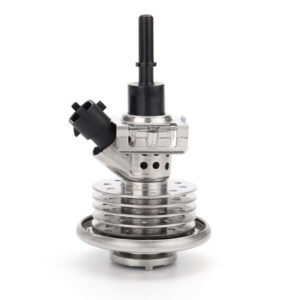
DEF Injector Adaptation/Calibration Guide: When and How to Reset
Replacing a faulty Diesel Exhaust Fluid (DEF) injector is a common maintenance task for modern diesel owners. However, simply bolting on a new part is often not enough to clear the error codes and restore full functionality. To ensure the Selective Catalytic Reduction (SCR) system operates at peak efficiency, an “Adaptation” or “Calibration” procedure is typically required. This guide explains why this process is necessary, when you should perform it, and the technical steps involved.
Why is Adaptation Necessary?
Every DEF injector, even those from the same production line, has slight physical variations in its flow rate and response time. The Engine Control Module (ECM) “learns” the specific characteristics of an injector over time to fine-tune the amount of urea sprayed into the exhaust stream. If you replace the injector without resetting these learned values, the ECM will continue to apply the correction factors meant for the old, worn, or clogged injector to the brand-new one. This can lead to:
- Incorrect Dosing: Too much or too little DEF can cause NOx sensor errors.
- SCR Efficiency Codes: Codes like P20EE (SCR NOx Catalyst Efficiency Below Threshold) may persist.
- Crystallization: Over-dosing can lead to urea buildup in the decomposition tube.
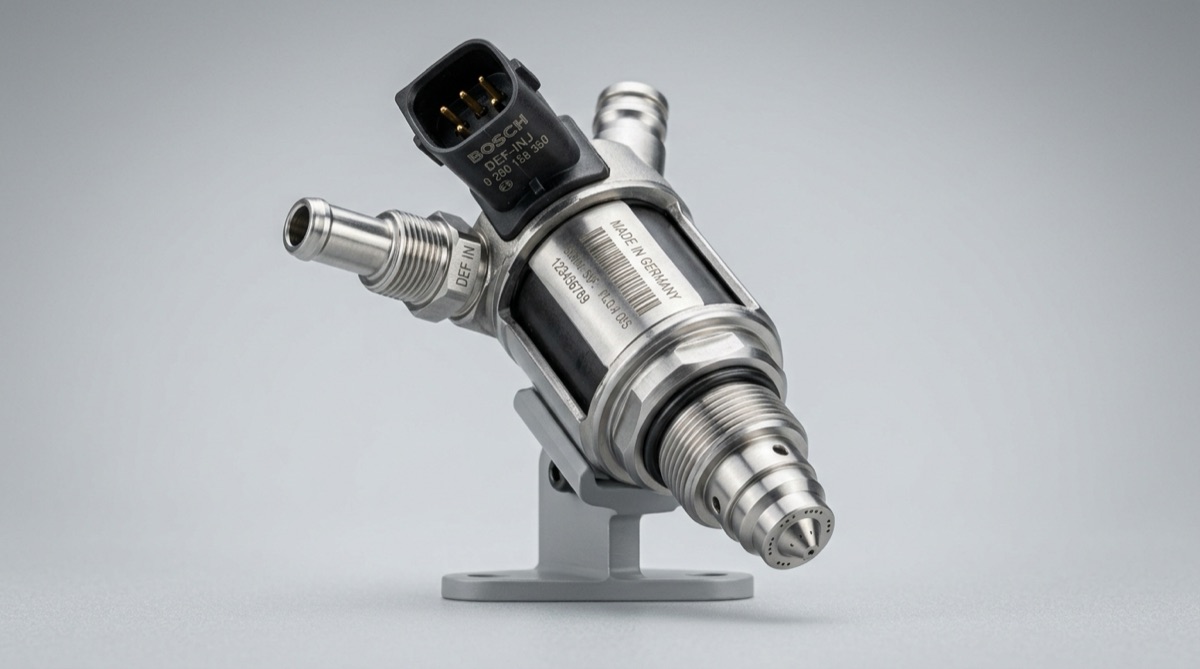
Performing a reset ensures the ECM accurately calculates the flow rate of the new injector.
When Should You Reset the Adaptation?
You should perform a DEF system reset or injector adaptation in the following scenarios:
- Injector Replacement: Any time a new or refurbished injector is installed.
- DEF Pump Replacement: If the pump pressure has changed, the injector timing may need recalibration.
- SCR Catalyst Replacement: A new catalyst has different efficiency curves.
- After a System Flush: If the system was severely crystallized and then cleaned, resetting the values allows the ECM to start from a “clean slate.”
- Firmware Updates: Some ECM software updates automatically wipe adaptation data, requiring a manual relearn.
Tools Required for Calibration
Unlike simple oil life resets, DEF adaptation requires bidirectional communication with the vehicle’s computer. You will need:
- OEM Software: Such as Ford IDS, GM GDS2, Cummins Insite, or Mercedes Star Diagnosis (Xentry).
- Professional Scan Tools: High-end aftermarket tools like those from Autel (MaxiSys), Snap-On, or Launch can perform these functions on most makes and models.
- OBD-II Interface: A stable connection is critical. Do not attempt a reset with a low-battery vehicle or a loose cable.
Step-by-Step Adaptation Process
While the exact menu names vary, the general workflow is as follows:
Step 1: Clear Existing DTCs
Before starting the adaptation, ensure all active fault codes (like P204F or P208E) are cleared. If a code remains active, the ECM may block the adaptation sequence.
Step 2: Access the SCR/Reductant Menu
Navigate to the “Special Functions” or “Maintenance” section of your scan tool. Look for sub-menus labeled “SCR System,” “Reductant System,” or “Aftertreatment.”
Step 3: Select the Specific Reset Function
Common function names include:
- Reset Reductant Injector Learned Values
- DEF Injector Adaptation Relearn
- Replace Reductant Dosing Valve
- SCR System Configuration Reset
Step 4: Execute the Service Procedure
Follow the on-screen prompts. The tool may require the engine to be OFF but the ignition to be ON. Some manufacturers require the DEF tank to be at least 50% full before the procedure can be initiated.
Step 5: Verification (The Dosing Test)
After the reset, it is highly recommended to perform a “Reductant Dosing Test” or “Quantity Test.” This commands the injector to spray into a container for a set period. You then measure the volume collected and compare it to the factory specification. This verifies that the new injector is actually delivering the correct amount of fluid.
The “Drive Cycle” Alternative
On some older vehicles, if a scan tool is not available, a specific drive cycle may eventually allow the ECM to self-calibrate. This usually involves 30-50 miles of highway driving at a steady speed. However, this is not recommended as it leaves the vehicle in a sub-optimal state and may not clear “Limp Mode” warnings.
Conclusion
Adaptation is the final, critical step in any DEF system repair. By informing the ECM that a new DEF injector is present, you ensure the system can accurately manage emissions and avoid recurring “Check Engine” lights. If you are a DIYer, investing in a mid-level scan tool with bidirectional capabilities will pay for itself by allowing you to complete these professional-level calibrations at home.
Recommended Resources
- Internal Resource: Understanding DEF Crystallization: Causes and Cures
- Products: View High-Quality DEF Injectors and Components
- Technical Reference: DieselNet: SCR Control Systems and Adaptation
- Environmental Policy: EPA Vehicle Emissions Certification Standards